Home Features Getting Started Pricing Dictionaries Feedback
v1.2.2 — Now with Quick Setup One-Click Deploy

Your Android Dev Workflow, Supercharged

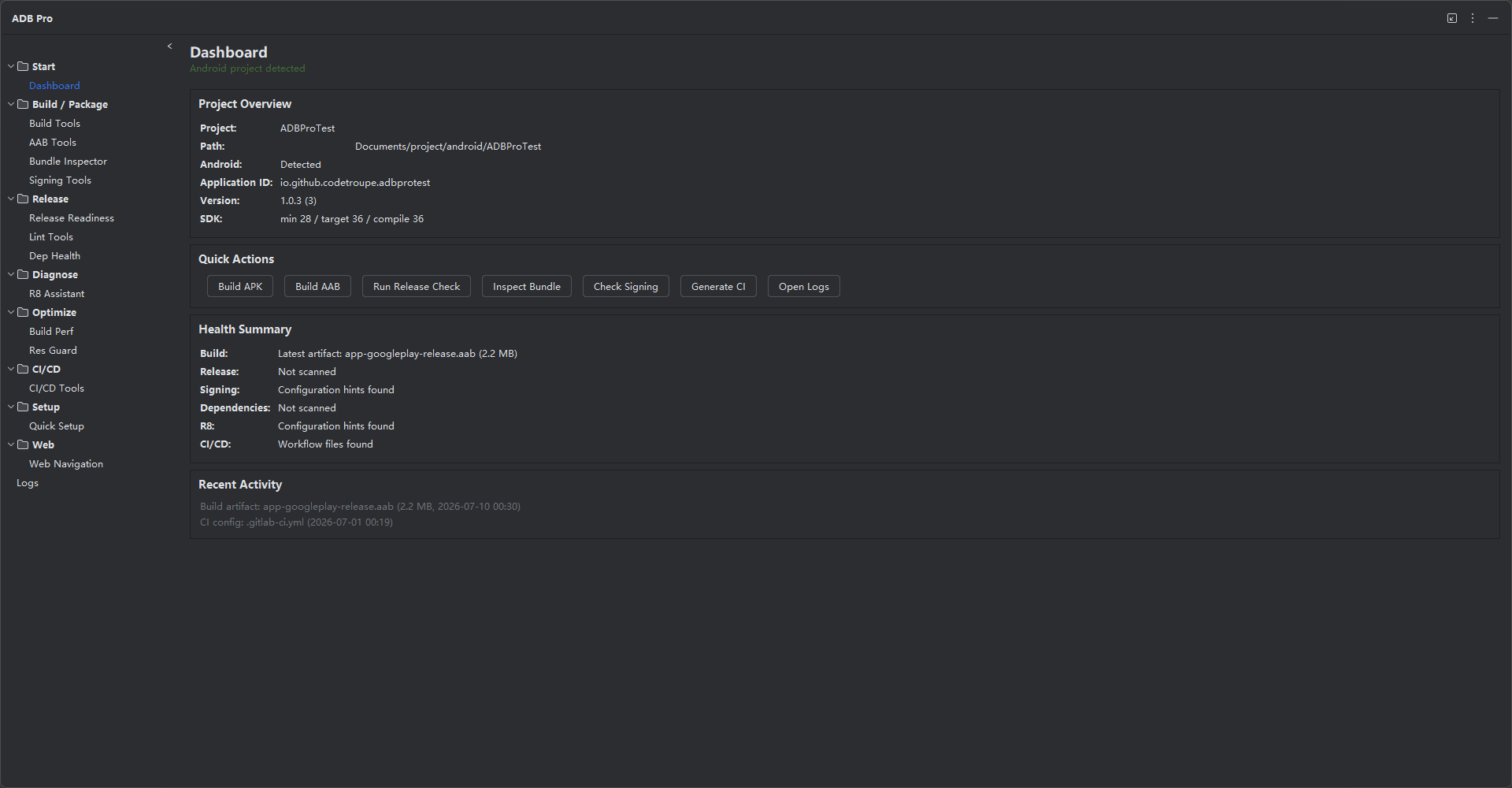
Professional-grade tools for Android App Bundle management, build optimization, code obfuscation, and release workflows — all inside your JetBrains IDE.

13
Feature Modules
20+
R8/ProGuard Templates
13
Release Checkpoints
11
Obfuscation Dictionaries

Everything You Need to Ship Android Apps

From building and signing APKs to optimizing ProGuard rules and monitoring dependencies — ADB Pro covers the entire release lifecycle.

Quick Setup

One-click project deployment. Scan your project, configure channels, SDKs, R8 rules, resource obfuscation, CI/CD, and build performance — all applied in one step.

Learn more →

AAB Tools

Convert, sign, and install Android App Bundles with one click. Supports remote repo scanning from GitHub and GitLab releases.

Learn more →

R8 Assistant

Intelligent ProGuard/R8 rule recommendation with 20+ library templates, reflection scanning, mapping analysis, and obfuscation dictionaries.

Learn more →

Res Guard

Obfuscate Android app resources with AabResGuard. Rename resource identifiers, reduce APK size, configure whitelists, and inject Gradle config — all from the IDE.

Learn more →

Signing Tools

APK signing with v1/v2/v3 signature schemes. Signature verification, zipalign optimization, and secure keystore management.

Learn more →

Build Tools

Gradle build automation with variant management, batch builds, and artifact location. Build history tracking included.

Learn more →

Bundle Inspector

Deep AAB analysis with size tracking, resource auditing, redundancy scanning, and version-over-version trend charts.

Learn more →

Release Readiness

13-point pre-release checklist covering debug flags, API key exposure, SDK compliance, signing status, and more.

Learn more →

Lint Tools

Run Android Lint analysis and view parsed issues with severity breakdowns and actionable fix suggestions.

Learn more →

Dependency Health

Dependency tree analysis with conflict detection, duplicate identification, deprecation warnings, and version catalog management.

Learn more →

CI/CD Tools

Generate CI/CD configuration files for GitHub Actions, GitLab CI, and Jenkins from your project structure.

Learn more →

Build Performance

Build performance profiling, Gradle configuration health checks, and optimization recommendations.

Learn more →

Device Manager

ADB device management with auto-discovery, TTL caching, connection monitoring, and quick device selection for install operations.

Learn more →

Up and Running in Minutes

No complex setup. Install, configure, and start optimizing your Android build pipeline today.

Install from Marketplace

Search "ADB Pro" in your JetBrains IDE's plugin marketplace. Install and restart — that's it.

Open Your Android Project

Open any Android project in IntelliJ IDEA or Android Studio. ADB Pro auto-detects your project structure and Gradle configuration.

One-Click Quick Setup

Open the Quick Setup tab, scan your project, select channels, SDKs, obfuscation, and CI/CD — then apply everything with one click. Undo is always available.

Ship with Confidence

Run the release readiness checklist, optimize your ProGuard rules, and deploy to production knowing your app is properly configured.

One-Click Project Setup

Quick Setup scans your project, selects what you need, and writes all Gradle configuration in one step — no manual file editing.

build.gradle.kts — generated by Quick Setup
// Applied by Quick Setup — channels, SDKs, R8, and ResGuard

android {
    flavorDimensions += "channel"
    productFlavors {
        create("google") { dimension = "channel" }
        create("huawei") { dimension = "channel" }
    }
    buildTypes {
        release {
            isMinifyEnabled = true
            isShrinkResources = true
        }
    }
}

dependencies {
    implementation(platform("com.google.firebase:firebase-bom:33.7.0"))
    implementation("com.google.firebase:firebase-analytics")
    implementation("com.google.firebase:firebase-crashlytics")
    implementation("com.squareup.retrofit2:retrofit:2.11.0")
}

Ready to Level Up Your Android Workflow?

Start your free 30-day trial. No credit card required. Full access to all features.

Get ADB Pro Free View Pricing