Interactive Preview
Dashboard
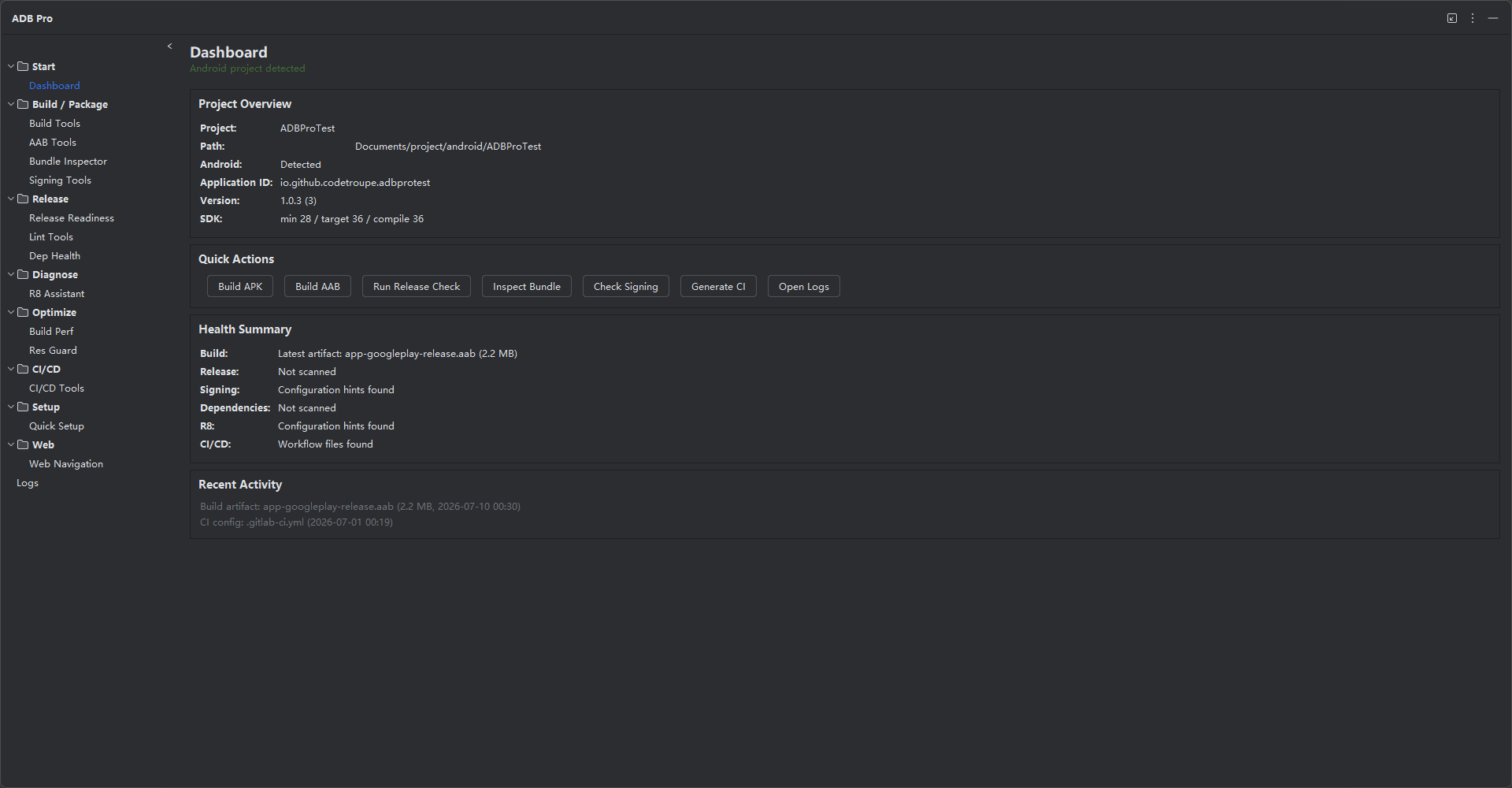
Preview ADB Pro exactly by its IDE tool-window menu: Start, Build / Package, Release, Diagnose, Optimize, CI/CD, Setup, Web, and Logs.
Use the preview above to explore the interface, then open the detailed page for the workflows you need.
Project overview and release workflow shortcuts.
Build, inspect, sign, and install Android release artifacts.
Gradle execution, variants, batch builds, artifacts, and history.
AAB conversion, APKS install, signing, selected device batch installs, and remote bundles.
AAB size, modules, manifest, resources, native libraries, and diffs.
APK signing, zipalign, certificate verification, and keystores.
Catch release risks before publishing.
Release checklist for signing, minification, SDKs, native compatibility, and security.
Android Lint execution, parsed results, severity filters, and baselines.
Dependency trees, conflicts, duplicates, downgrades, and catalog health.
Debug R8, ProGuard, mappings, reflection, and obfuscated crashes.
Improve build speed, app size, and resource protection.
Generate release pipelines from your Android project structure.
Bootstrap Android project configuration in one pass.
Android developer resource navigation and local-only operation logs inside the tool window.